To better let users customize their experience we now offer 4 different themes for the site.
What is a theme?
In general, themes are are essentially different standalone designs.
How do I change my Theme?
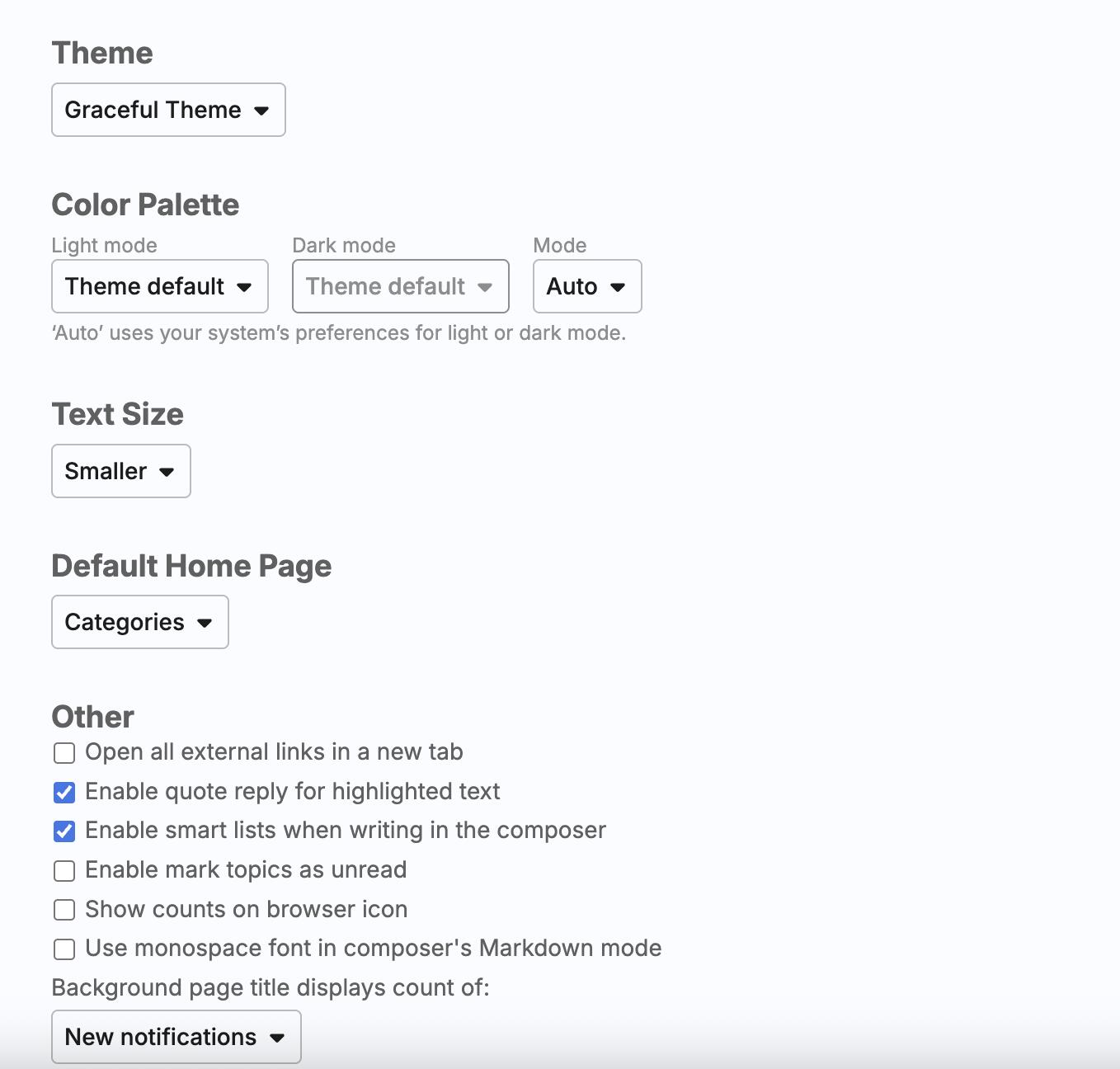
Simple go to your ‘Profile” (avatar in the top right corner of the site) Select - Preferences | Interface
Then from the dropdown menu select the Theme you want to try.
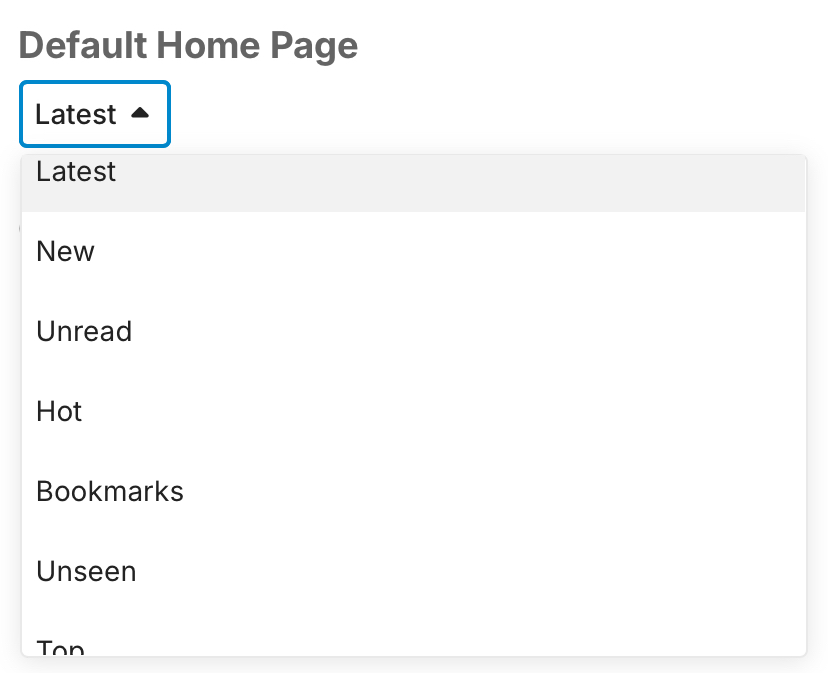
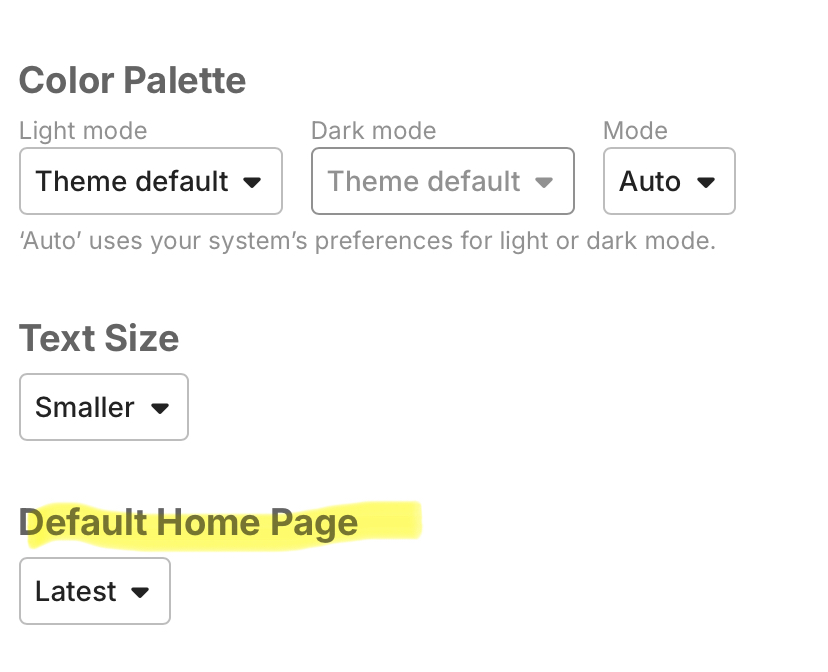
Im guessing this is why im going to a listing of latest instead of my regular screen that shows all categories i been trying to get back to the regular screen
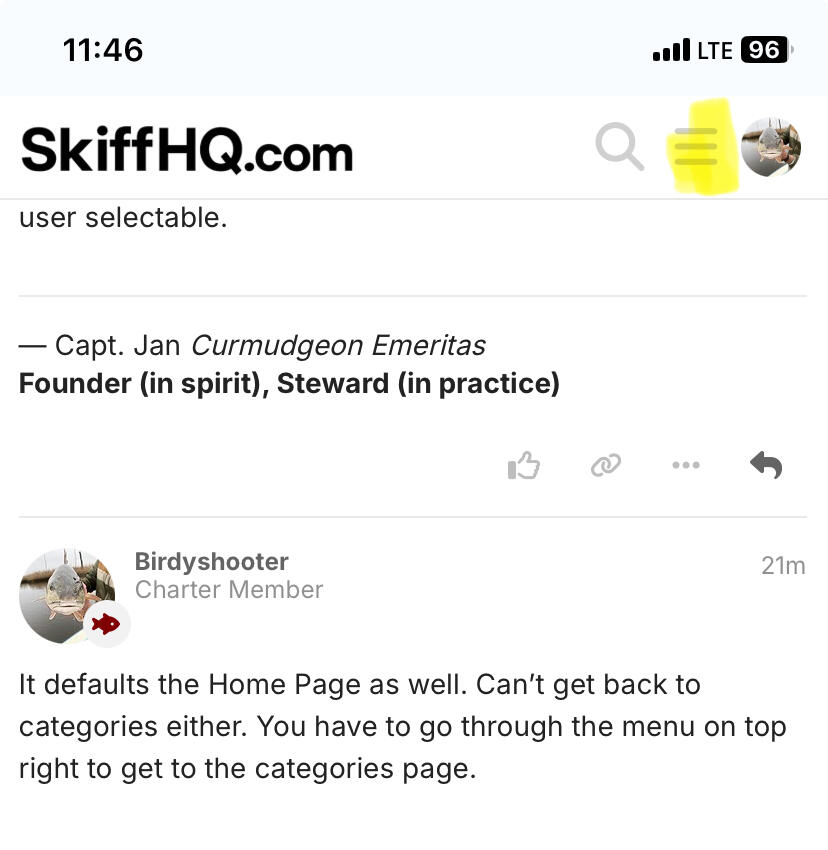
Need to just make categories the default like it shows on his post ,I can’t even open that page,when I click on my avatar it opens a listing of other members


 besides I was watching YouTube videos to see how to install the new fuel pump in my jeep TJ ……